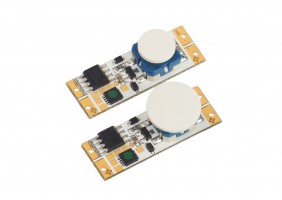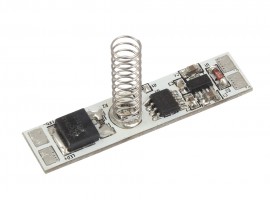



StrongLumio LED Switch/Dimmer For Profile 12/24V, Yellow Indicator
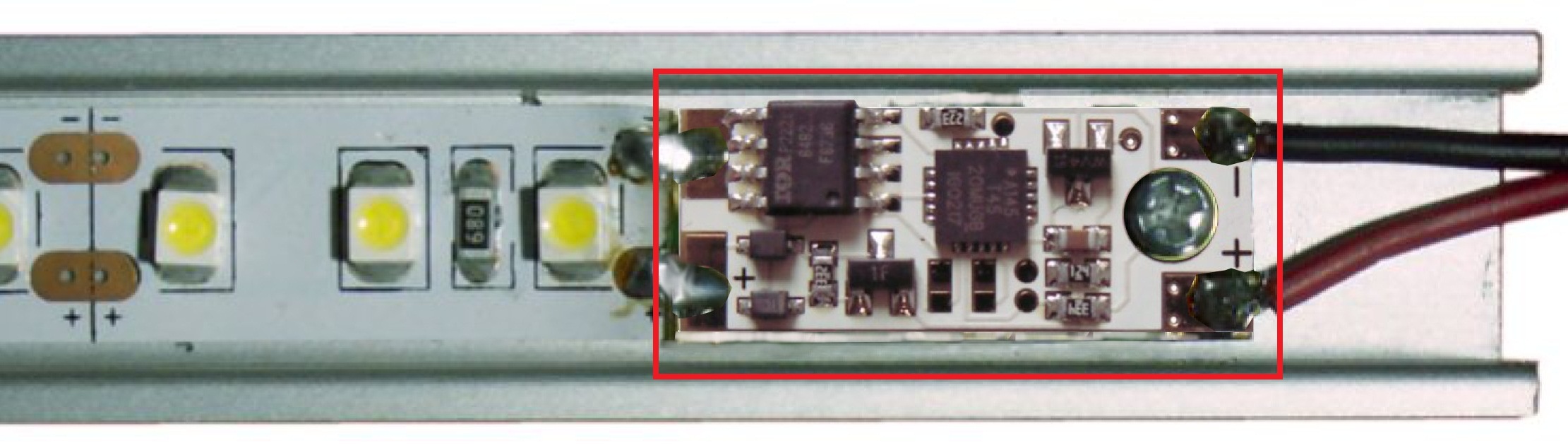
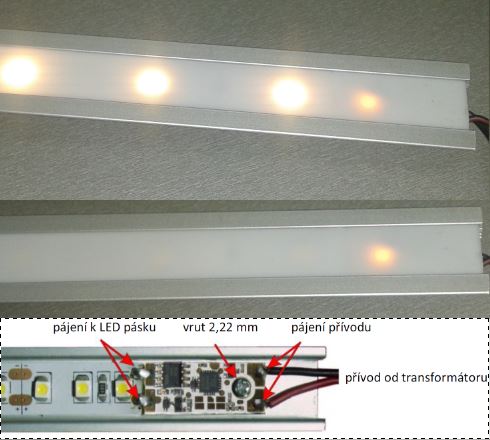

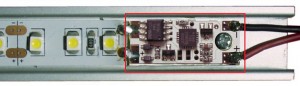
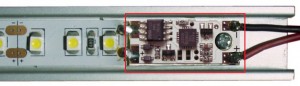
LED strip switch and dimmer designed for installation in aluminum profiles. Not suitable for use in lacquered profiles or in profiles joined from two or more sections. The switch cannot be used with battery-powered supplies. It is also not compatible with power supplies that have grounded output voltage (e.g., some units with a grounded metal transformer housing). Touching any part of the profile switches the lighting on/off.
Video instructions can be found in the relevant section.video tutorials: youtube
The profile must not touch the wall, other metal objects, or be placed near additional electronic or electrical devices (risk of interference and malfunction).
Innovated version with higher resistance to interference, equipped with a yellow indicator light. Suitable for warm white LED strips. Allows connection of multiple sensors to a single power supply.
Switch designed for installation in aluminum profiles for LED strips. The aluminum profile functions as a large-area switch. Recommended maximum aluminum profile length: 3 m. The profile must not come into contact with walls or grounded objects (e.g., corner profiles), as this significantly reduces the effective switching length of the profile. To prevent accidental activation, a deliberate touch is required; a light or brief touch is not sufficient.
Installation:
For installation, use a fine-tip soldering iron and standard tin solder. A small-diameter flux-core solder wire is recommended. The use of a transformer soldering iron is not recommended, as it may damage the switch.
2. Observe the polarity (±) and solder the switch to the LED strip. On the opposite side (closer to the screw hole), solder the power supply cables.
Solder carefully to ensure that solder and any flux (rosin) do not spread to other parts.
In particular, there must be no connection to the sensor input – the area around the screw hole must remain isolated.
Use the shortest possible power cables with the largest possible cross-section. Cables that are too thin or too long may negatively affect the function of the switch.
3. Insert the LED strip with the sensor into the ALU profile, mark the position for the hole and drill a 2 mm diameter hole.
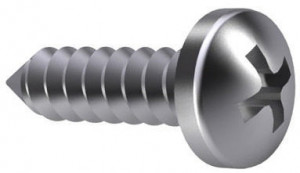
We recommend first driving the supplied self-tapping screw (O 2,2 mm) into the profile without the switch to create the thread, and only then fastening the switch.
Warning: Tighten the screw only lightly to avoid damaging the printed circuit board.
Use only the supplied stainless steel screw! If a zinc-plated screw is used, corrosion may occur between the screw and the ALU profile, which can lead to switch failure in a short time.
Operation:
Touch anywhere on the ALU profile to switch the light on with a smooth fade-in. A second touch switches the light off. There must be approximately a 1-second interval between touches; otherwise, the touch will not be registered.
Pressing and holding (a long touch) for more than 3 seconds will start adjusting the light intensity. When the touch is released, the selected brightness level remains stored.
Calibration:
The switch features built-in automatic calibration. Factory-set parameters are optimized during the first switching cycles. Therefore, manual calibration is not required.
Technical specifications:
The sensor cannot be used with battery-powered supplies. It is also not compatible with power supplies that have grounded output voltage (e.g., some power supplies with a grounded metal transformer housing).
For these cases, a mechanical switch 231820 can be used.
Supply voltage: 12V/24V
Max. current: 10A (7,5 A při 24V)
Dimensions: 10x25mm
Power consumption: 0,1W/12V, 0,28W/24V
Electrical waste – dispose of in accordance with applicable regulations.
By soldering the pad at the “+” input, the indicator LED can be disabled without affecting functionality. It is also possible to enable startup in the state prior to power interruption (e.g., when switching via an external switch) – see updated instructions. Replacement screw – 422141 Replacement screw for touch switches.
Parameters
| Parameter | Value |
|---|---|
| Maximum power (W) | 90/180 |
| Output voltage (V) | 12/24 |
| Type of sensor_LED | To the profile |
Related product range
| Title | Code | Availability |
Divisibility/ packaging |
Basic price per unit | |
|
Tips for getting a better price

Order the whole package and your price per pc (pcs) will be %price% |
422141 |
On demand
|
1 pcs / 1,000 pcs |
0,04 EUR
/ pcs
0,05 EUR incl. VAT
|
|